
Ryzen 9950X vs EPYC 4565P for Trading: The Same Chip (2026)
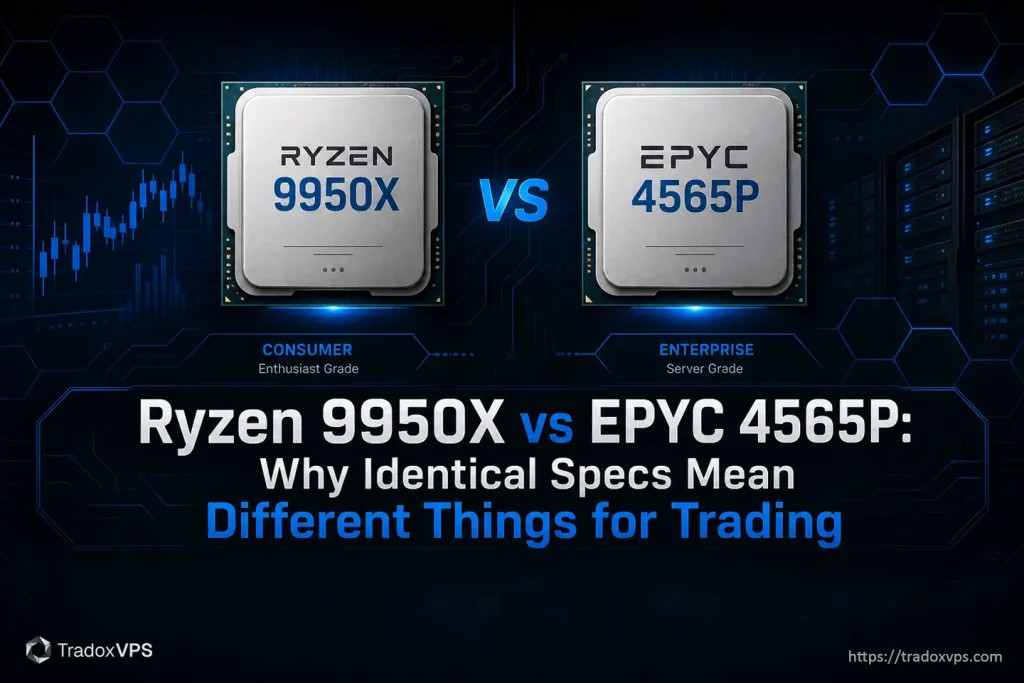
Spend five minutes comparing the Ryzen 9 9950X and the AMD EPYC 4565P and you’ll come away confused, because on every spec that drives trading they’re the same chip: same Zen 5 core, same 16 cores, same 5.7 GHz boost, same cache, same socket. AMD literally built the EPYC from the Ryzen silicon. So for trading execution the honest answer is a tie — and the real decision is everything else, most of which only matters to whoever runs the server.
How to Check VPS Performance
Do not take a VPS provider’s performance claims on faith, verify them yourself. This hands-on guide shows how to properly test a trading VPS: CPU benchmarks, memory and disk speed, and how to run a real latency test (TCP to your broker’s gateway, not just a basic ping), with real results from our own plans so you can see exactly what to check and what good numbers look like.
Single Core Performance Trading: Why Clock Speed Matters in 2026
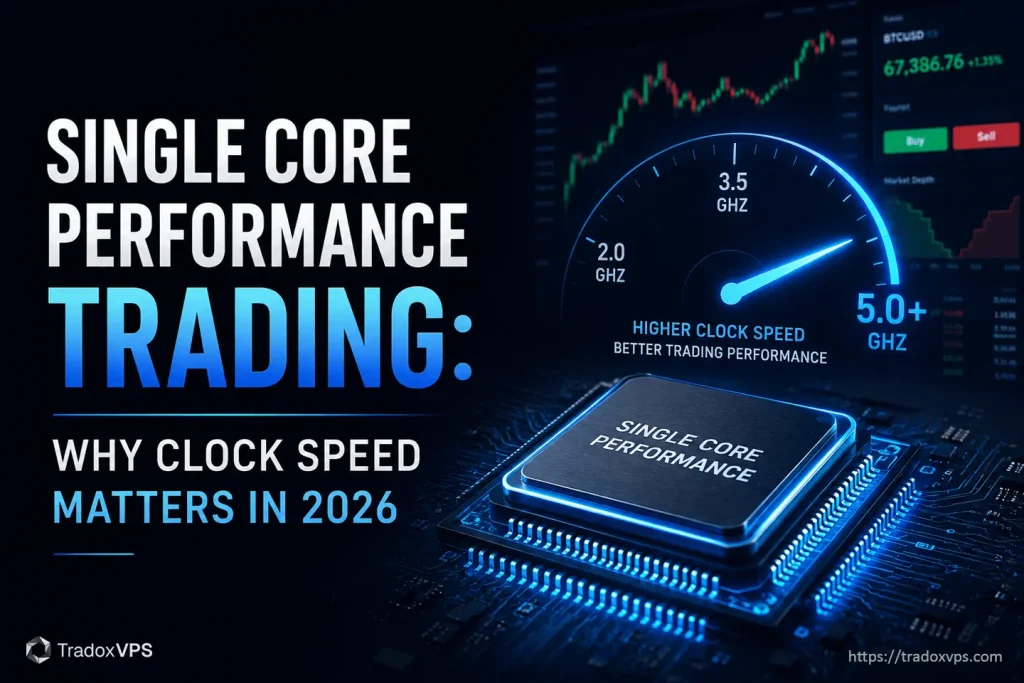
Most traders focus on core count, but execution speed is a sequential game. Discover why single core performance is the true “alpha” for low-latency trading.
Why the Ryzen 9 9950X Is the Best CPU for a Trading VPS in 2026
When a platform freezes for a split second in a fast market and your fill comes back worse than the price you clicked, the culprit usually isn’t your internet — it’s the CPU falling behind on ticks. The chip that fixes that is the Ryzen 9 9950X, and the reason isn’t its 16 cores. It’s one number most spec sheets bury: single-core speed. Here’s why that decides your execution.
How Much RAM Do You Need for a Futures Trading VPS?
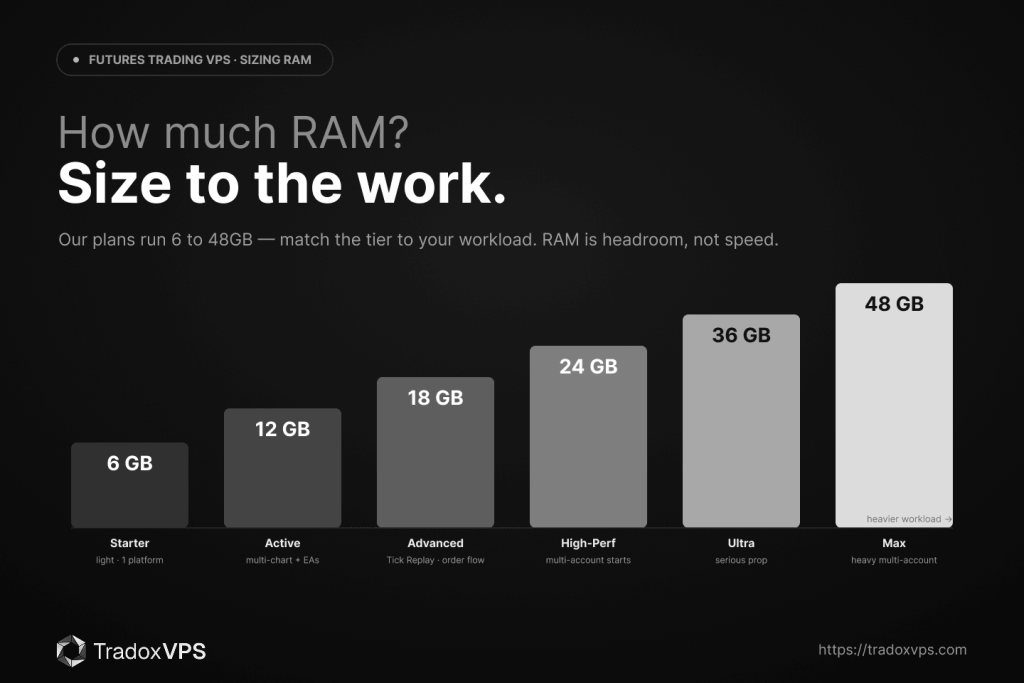
RAM is the most misunderstood spec on a trading VPS. It doesn’t make you faster — that’s the CPU — it keeps you from stalling. And too little doesn’t crash; it degrades quietly and gets misdiagnosed as “broker problems.” Here’s how much RAM a futures trading VPS actually needs, mapped to our 6–48GB plan tiers, what eats it (Tick Replay, looking at you), and how to size it to how you trade.
NVMe vs SSD: Why NVMe Is Best for Trading VPS?
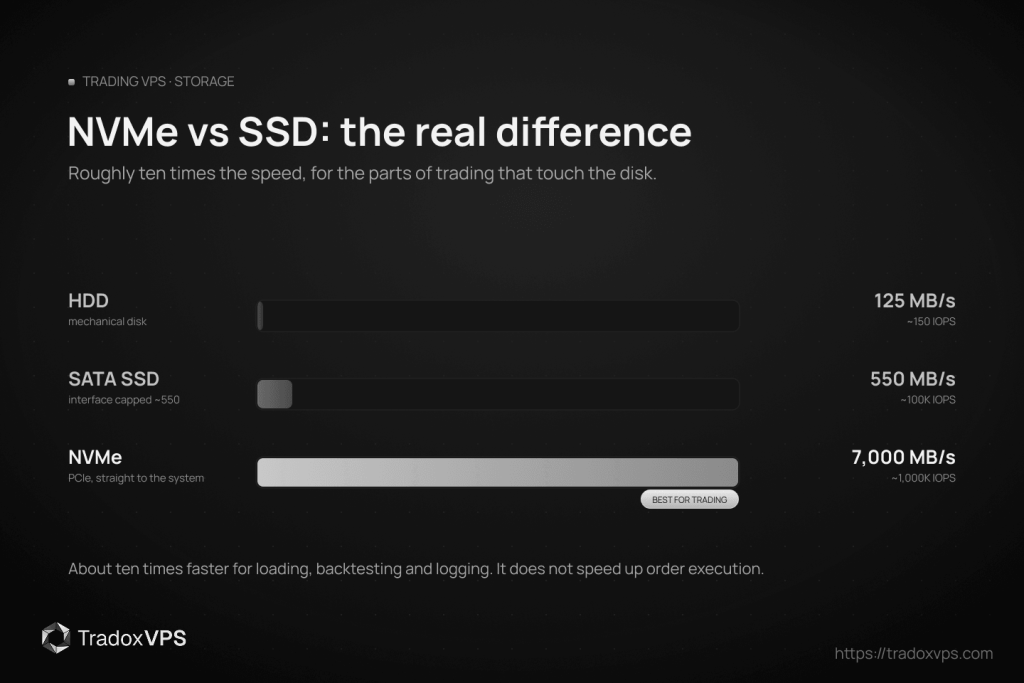
NVMe is the right storage for a trading VPS, but there’s a widespread overstatement about why. This guide covers the real speed difference (roughly ten times SATA), what NVMe genuinely speeds up in trading (platform launch, backtesting, logging, recovery) and what it doesn’t (your order execution and decision loop run on CPU, RAM and network, not disk), plus how to verify your VPS actually uses NVMe rather than just claiming to.
DDR5 vs DDR4 for Trading VPS: Which RAM Is Better for Low-Latency Trading?
There are thousands of DDR4-vs-DDR5 comparisons online, and almost none are about trading. This is the trading-specific version: what memory actually does in a trading setup, why DDR5’s real advantage is bandwidth and not latency (so it won’t make your orders execute faster), where it genuinely helps, and the memory decision that matters far more for a trader, which is capacity, not generation.