


Then you are set. TradingView's cloud runs your charts and fires your alerts 24/7 on its own, whether your devices are on or off.
Then you still do not need one. A hosted cloud bridge can catch your webhooks and place the trade for you without a server.
Your receiver and your platform have to be up when the signal arrives. A VPS keeps them running 24/7 on a static IP you control, so nothing is lost to a sleeping laptop.
Why we put it this way: a VPS does not run TradingView and does not keep its alerts alive, those live in TradingView's cloud. It exists for one job, being the always-on machine that catches your automated signal and places the trade.
Charts, Pine Script and alerts run on TradingView's own servers. You do not host TradingView on the VPS, and you do not need to. The VPS is the other end of the chain.
When an alert triggers, TradingView sends an HTTP POST to your URL, whether or not your chart is open. The only thing that has to be online is your receiver.
A bridge like PineConnector or AutoView, or your own script, runs on the always-on machine and catches every POST. Webhooks need a paid TradingView tier and two-factor authentication.
The bridge hands the order to MetaTrader, cTrader or NinjaTrader on the same VPS, which routes it to your broker. One machine holds the whole receiving and executing half of the chain.
Chicago-metro hosting sits a short network hop from CME's Aurora data center. TradingView allows the receiver three seconds to respond, so reliability matters more than microseconds. Measure the round-trip to your own broker.
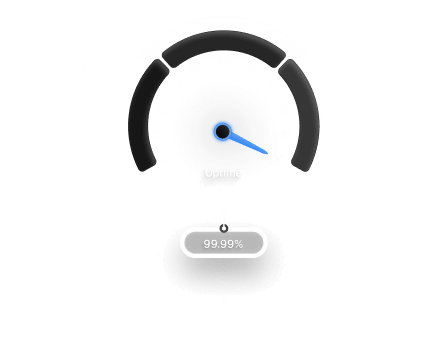
Redundant power and networking, network-level DDoS mitigation, and a 99.999% uptime target you can check on our public status page. An endpoint is only useful if it is up.
TradingView itself is not on this list, because it runs in TradingView's cloud, not on the VPS. The VPS hosts the receiving end: your bridge and the platform that executes the trade. Confirm current webhook rules in TradingView's own documentation.



| Piece of the chain | Where it runs | Needs a VPS? | The receiving endWhat the VPS does |
|---|---|---|---|
| Charts and Pine Script | TradingView's cloud | No | Nothing, it is not yours to host |
| Alerts (server-side) | TradingView's cloud | No | Nothing, they already run 24/7 |
| Webhook (the POST) | Fired by TradingView's cloud | No | Nothing, TradingView sends it |
| Webhook receiver / bridge | Your endpoint | Yes | Hosts it 24/7 on a static IP |
| Execution platform + EA | Your endpoint | Yes | Runs MetaTrader, cTrader or NinjaTrader |
| Order to your broker | Your endpoint to broker | Yes | Short, stable network path |
| Features | Home PC | Generic VPS | TradoxVPSTradingView VPS |
|---|---|---|---|
| Webhook Receiver Uptime | Dies when the PC sleeps | Unmanaged | Runs 24/7 |
| Static IP for the Endpoint | Usually dynamic | Sometimes | Dedicated IPv4 included |
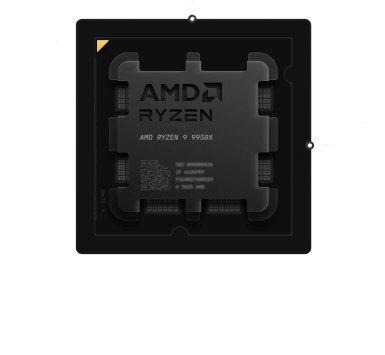
| Execution Platform (MT / cTrader) | Only while your PC is on | Older shared silicon | Ryzen 9950X, always on |
| Path to Your Broker | Home ISP dependent | Variable | Data-center networking, measure it |
| Uptime | Your home power and ISP | Often unstated | 99.999% target, public status page |
| Remote Access | Limited | Yes | Secure RDP from any device |
| Endpoint Security | Home router | Basic | DDoS mitigation, firewall control |
