First month 25% off for new traders — code
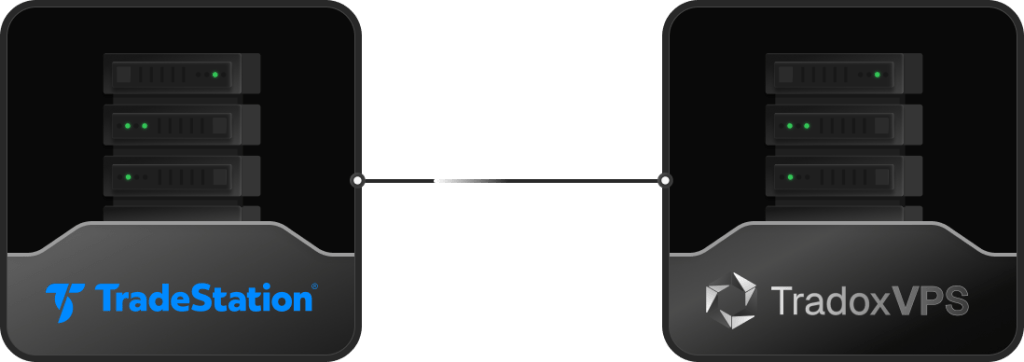
The Inputs, the crossover logic and the Buy / Sell Short orders run inside the desktop app. Close it or let the machine sleep and they stop firing. A VPS keeps the app open and connected around the clock.
SetStopLoss can be held on TradeStation's Stop server, so your protective stop survives a disconnect. That comes from a setting in Strategy Properties, not from a VPS.
The honest version: a VPS keeps the strategy logic, order generation and scanning alive, which is the part that depends on the machine. Your protective stops can rest on TradeStation's server, but only if you turn that setting on. They solve different problems, so do both: enable server-side stops for protection, and run on a VPS for continuity. And because supervising a running strategy is your responsibility, a VPS lets you reach it from anywhere.
Full Windows Server, so the TradeStation desktop platform, your EasyLanguage indicators and your automated strategies run exactly as they do at home, with no translation.
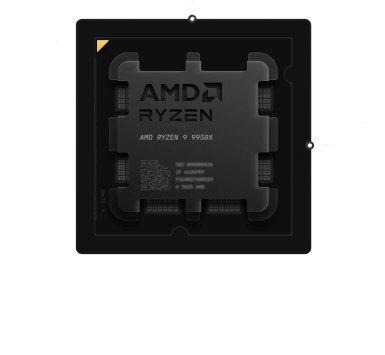
A real-time scanner watching hundreds of symbols with more than a hundred indicators redraws smoothly on current-generation Ryzen silicon through a volatile open.
Strategy optimization, walk-forward and portfolio-level analysis lean on cores and memory. DDR5 and NVMe keep long runs moving.
Strategies can drift out of sync when a local connection drops mid-session. A stable, always-on data-center link removes the home-internet causes of that drift.
Chicago-metro hosting sits a short network hop from CME's Aurora data center. Whatever you trade, measure the round-trip from your own setup and judge it yourself.
Redundant power and networking, network-level DDoS mitigation, and a 99.999% uptime target you can check on our public status page.
The desktop platform and everything you run inside it lives on the VPS. Your automated strategies run in the app, so they only fire while it stays open. Platform behavior changes over time, so confirm the current setup in TradeStation's own documentation.
| Piece of your setup | Where it runs | Survives a disconnect? | The always-on layerWhat the VPS does |
|---|---|---|---|
| EasyLanguage strategy logic | The desktop app, on your machine | NoStops if the app is down | Keeps it running 24/7 |
| Strategy order generation | The desktop app, on your machine | NoNew orders stop | Keeps generating and sending |
| RadarScreen and alerts | The desktop app, on your machine | NoScanning stops | Keeps scanning around the clock |
| Server-side stop orders | TradeStation's Stop server, if enabled | YesWhen you turn it on | Not needed for this, but pairs with it |
| Filled positions and account | TradeStation's servers | YesHeld on TradeStation | Nothing to keep alive here |
| Features | Home PC | Generic VPS | TradoxVPSTradeStation VPS |
|---|---|---|---|
| Platform Stability | Variable | Standard | Optimized for TradeStation |
| CPU Performance | Consumer-grade | Shared | Ryzen 9950X CPU |
| Network Stability | ISP dependent | Standard | Trading-optimized |
| Firewall Configuration | Manual | Generic | Optimized for TradeStation |
| Remote Access | Limited | Yes | Secure & flexible |
| Professional Use | Not recommended | Limited | Designed for serious traders |
We deliberately do not quote a number, because a ping is not your order round-trip, and TradeStation routes orders through its own execution network. Our Chicago hub is a short path from CME’s Aurora data center. Run our latency checker from your own location, then verify from the VPS to TradeStation after deploying.